
Supermemory alternatives: Supermemory vs Configure
Supermemory gives your app a memory and document store. Configure connects your app to what a user’s other agents and apps already know.
Configure · · 5 min read
In short
- The main Supermemory alternatives are Configure, Mem0, Zep, Letta and Cognee.
- Supermemory is a memory and document search API that lives in your account. It starts empty for every new user.
- Configure is infrastructure for connecting agents, apps, and chats: users bring context from ChatGPT, Claude, Gemini and their apps, and your agents read and write it with approval.
- Choose Supermemory to search your own documents and memories in one call. Choose Configure when users arrive from other assistants, or several agents must know the same person.
The main alternatives to Supermemory are Configure, Mem0, Zep, Letta and Cognee. Of those, Configure works the most differently. Supermemory stores and searches what your app gives it, inside your account. Configure connects your product to the agents, apps and chats a user already has, and it has a memory system built in, so a new user does not start from nothing.
We build Configure, so this page argues for it. It also says where Supermemory is the better choice. What we say about other products comes from their own pages, which we read on November 17, 2026 and have linked.
How do Supermemory and Configure compare?
 Supermemory |  Configure | |
|---|---|---|
| A new user’s first session | Starts empty | Starts from what the user brings |
| Where knowledge comes from | Conversations and documents your code sends it | Other assistants, connected apps, and your own agent’s conversations |
| Memory system included | With contradiction handling and expiry | Read, search, save, forget, extract from conversations |
| Search across your own documents | In the same call as memory | Not its job. It reads the user’s connected apps |
| Shared across other companies’ agents | Scoped to your organization’s keys | Any agent the user approves |
| Consent screen and profile page | You build them for your users | Included and hosted |
| Who owns the memory | Your account | The user |
| Works over MCP | Yes | Yes |
If the job is searching your own files, Supermemory wins. Configure wins the rows a new user feels in their first five minutes.
What is Supermemory?
Supermemory is a memory and context engine for developers. You send it conversations and documents. It extracts facts, resolves contradictions and expires the stale ones, and a single search call returns the relevant memories together with document passages. There is also a personal app, and a connector an individual can add to their own assistants.
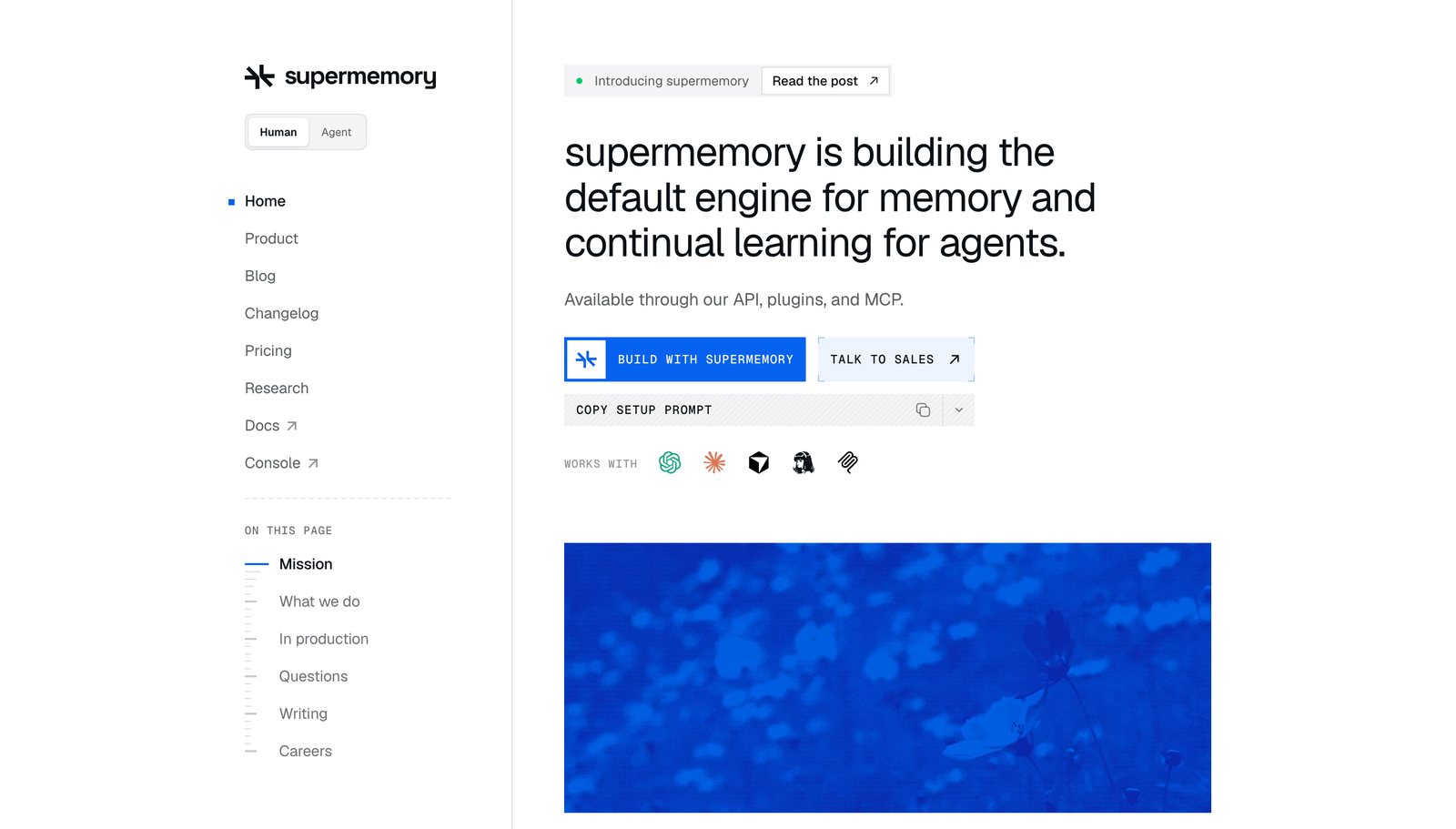
Check two things before you build on it. One is the license. Its public repository is MIT licensed, but that repository holds the clients and the app. Its docs confirm the server source is not public, and the free local server is a binary with a document cap. The other is cost. Paid plans run from $19 to $399 a month on usage credits, which makes it easy to start and harder to predict what you will pay.
What is Configure?
Configure is infrastructure for connecting agents, apps, and chats. Memory is one of the things that travels over that connection.
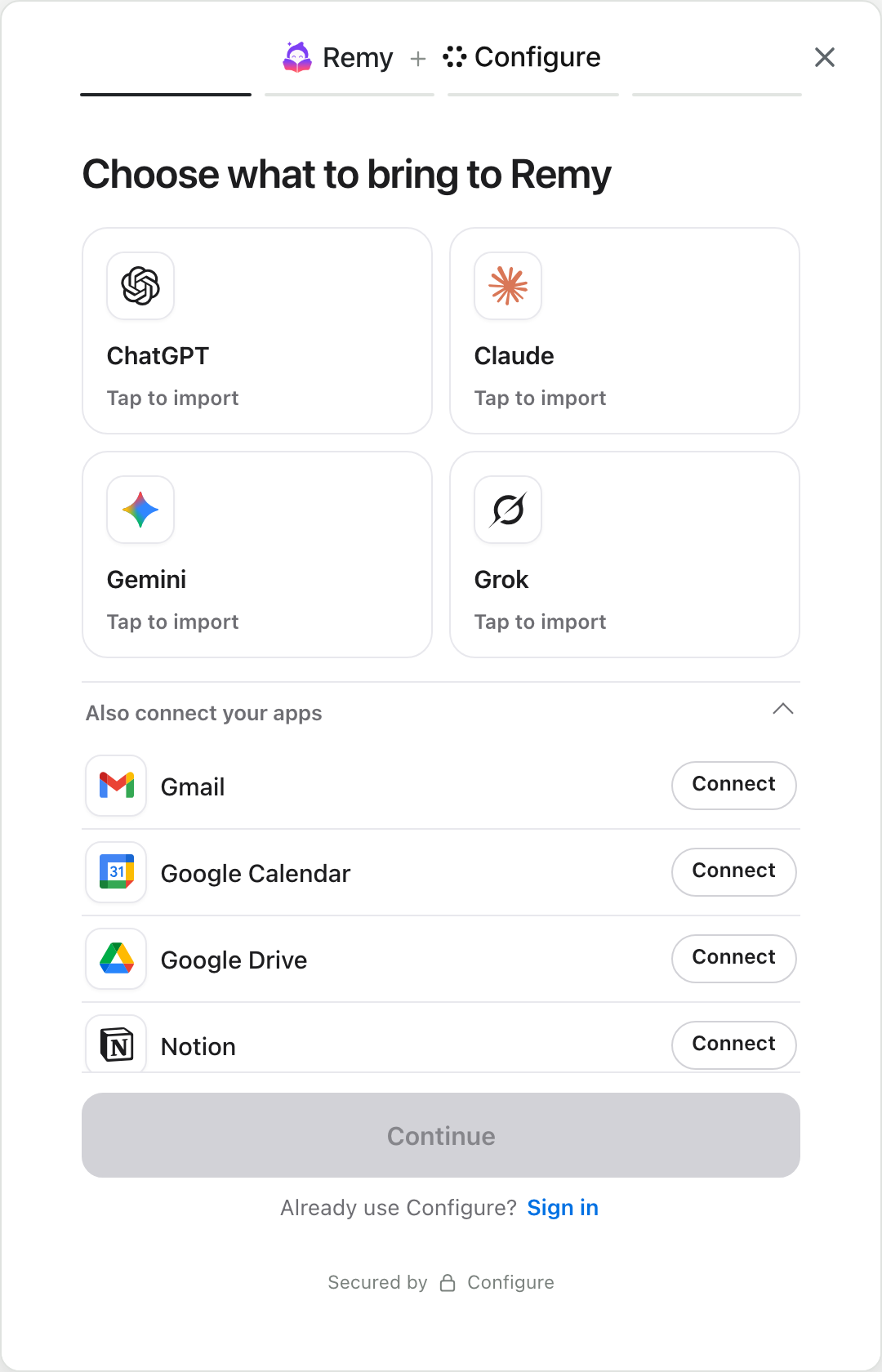
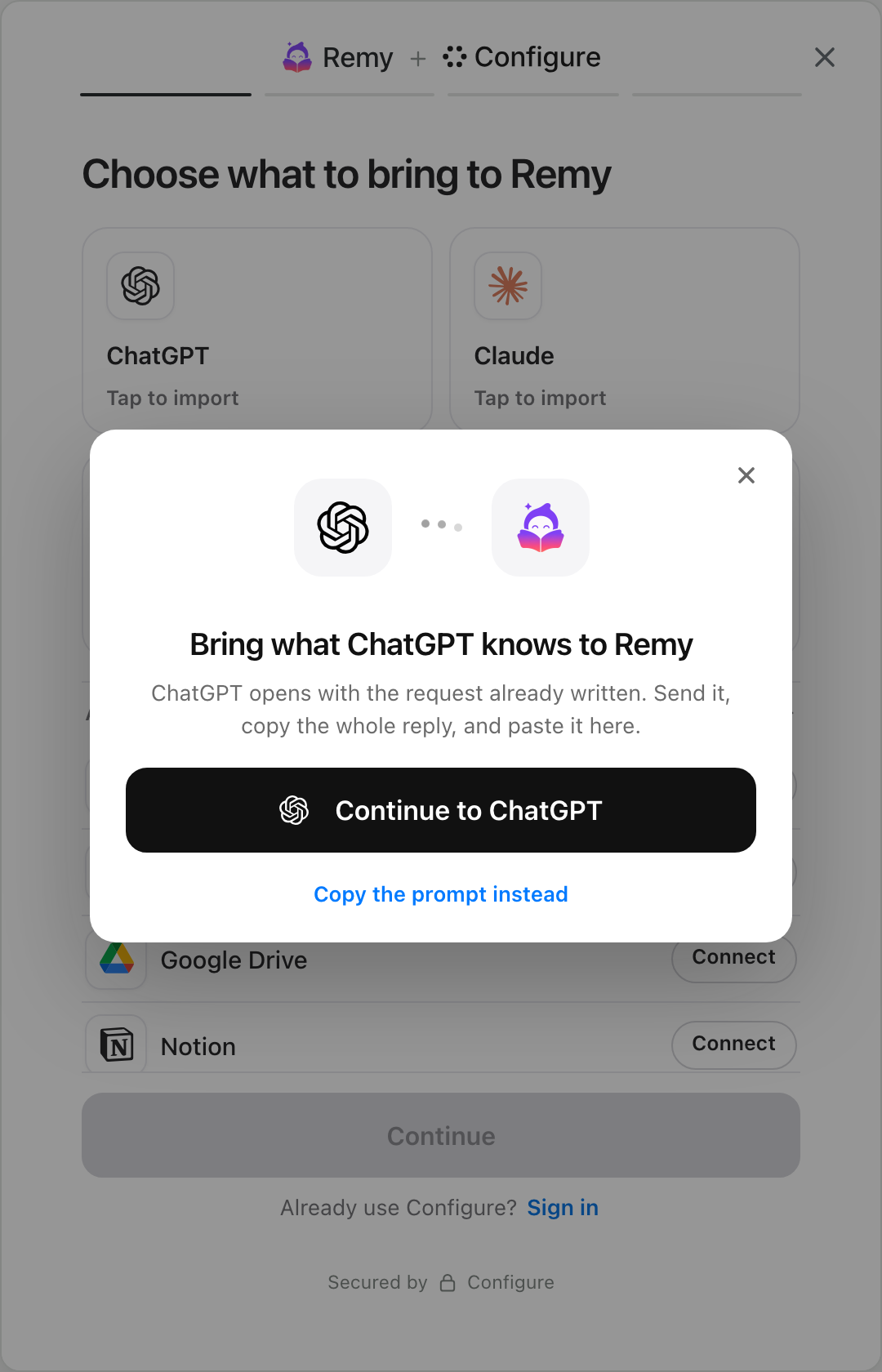
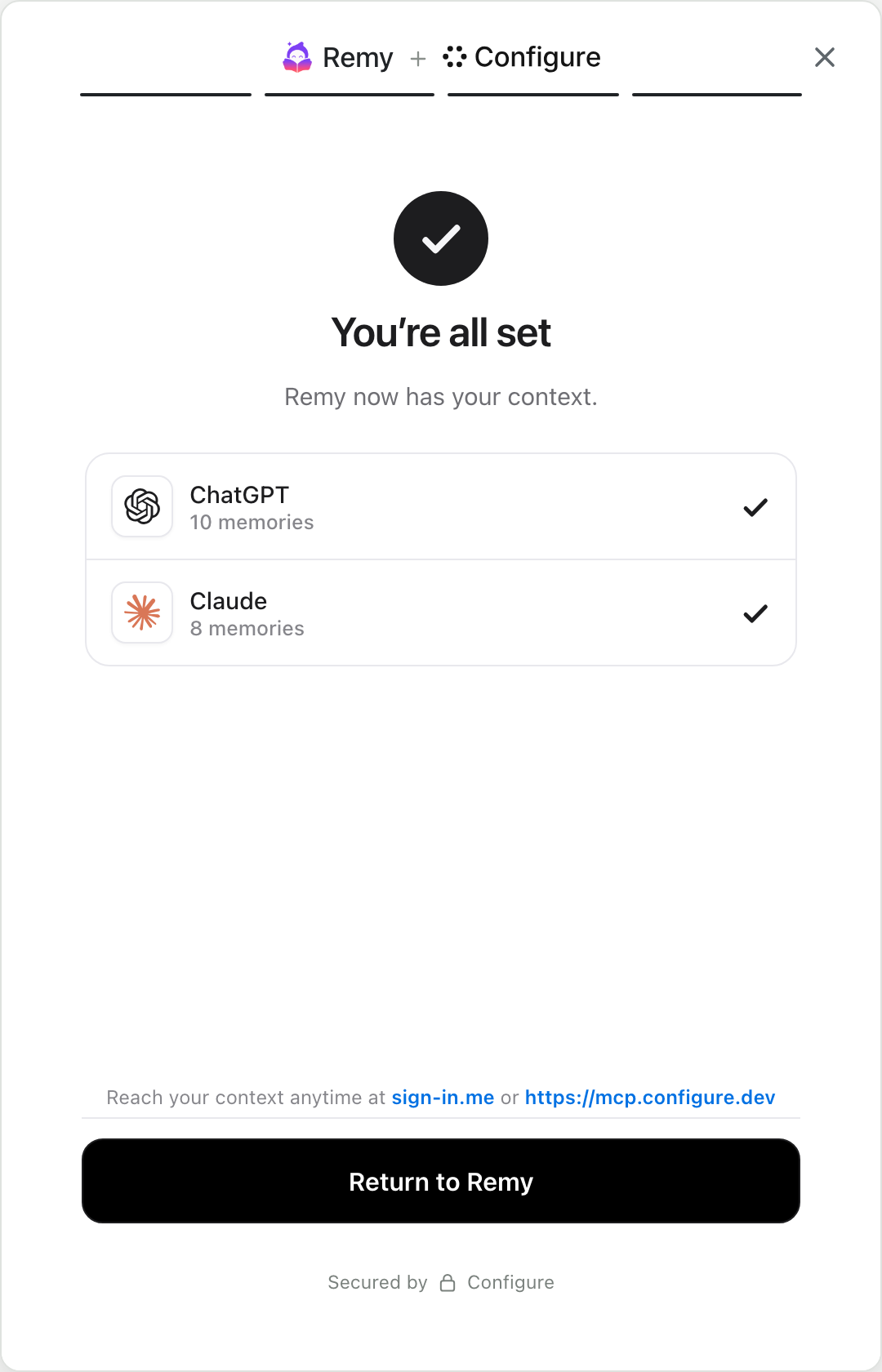
Your user gets a hosted page where they choose what to bring from ChatGPT, Claude, Gemini, Grok and their apps, then approve your product. After that your agent can read their context before the first message and search it whenever a choice depends on a preference. What the agent learns is saved back to a profile the user owns.
What changes for a new user?
Your product gets judged in its first session. A memory engine can be excellent at retrieval and still have nothing to retrieve for someone who signed up a minute ago. The frustrating part is that what would help is already written down, in that person’s other assistants and apps.
| With Supermemory | With Configure | |
|---|---|---|
| At sign-up | The user creates an account | The user creates an account and taps Connect |
| Before the first message | Your agent knows nothing about them | Your agent has what they brought from their assistants and apps |
| The first session | You ask onboarding questions | Your agent opens with their context |
| A month later | Memory of what happened in your product | The same, and it follows them to their other agents |
When should you choose Configure?
- Your users come to you from ChatGPT or Claude, where they have already explained themselves.
- You run several agents, or work with partners’ agents, and all of them should know the same person.
- You want users to see, edit and revoke what you hold, without building that page yourself.
- You need their calendar, mail and documents through the same connection.
When is Supermemory the better choice?
- Your memory is mostly documents, and you want them searched alongside conversation memory in one call.
- Your agent has no end users. An internal agent has nobody to bring context or give consent.
- You want published, usage-based pricing today.
Can you use Supermemory and Configure together?
Yes. Let Supermemory keep your documents and your agent’s working memory, and use Configure for what the user brings on day one and whatever should follow them to other agents. Your agent reads their Configure context at the start of a session, and saves lasting facts about the person to their profile as it learns them.
What are the other Supermemory alternatives?
| Product | What it focuses on | Where memory lives | Best for |
|---|---|---|---|
| Configure | Connecting your product to a user’s other agents, apps and chats | A profile the user owns | Products with real users arriving from other assistants |
| Supermemory | Memory and document search behind one API | Your account | Apps that need files and memories searched together |
 Mem0 | A memory API that extracts facts from conversations | Your account | One agent that needs memory quickly, or a self-hosted setup |
| Zep | A temporal knowledge graph, where every fact has the dates it was true | Your account | Facts that change over time |
| Letta | A runtime for agents that manage their own memory | Your account, or local | Long-lived autonomous agents |
| Cognee | A knowledge graph built from your documents | Your account, or self-hosted | Reasoning across a body of documents |
Frequently asked questions
Is Supermemory open source?
Partly. The repository with its clients, app and connector is MIT licensed. The server is not public, according to its own self-hosting docs.
How do Supermemory and Mem0 differ?
Both store what one app learns. Supermemory adds document search and contradiction handling, and Mem0’s core is fully open source under Apache 2.0. We look at Mem0 on its own in Mem0 vs Configure.
Does Configure replace Supermemory?
For user memory, it can. Configure stores, searches and extracts memories for your agents. It does not index your own document library, so keep a search tool for that.
How long does Configure take to add?
It is one integration. You add a connect button, the user goes through the hosted page, and your agent reads their context on the first turn. The quickstart covers it on one page, and the trust page explains the permission model.
Add a connect button to your product
The quickstart takes one page, end to end: a chip in your app, Configure's hosted page, and your agent reading the user's context on the first turn.
Read the quickstartAbout Configure. Configure is infrastructure for connecting agents, apps, and chats. People bring the context they already have, and the products they approve start from it. More about Configure.
More from the blog
All postsMem0 alternatives: Mem0 vs Configure, and when to use each
Mem0 gives one agent a memory. Configure connects your agent to what a user’s other agents and apps already know, with a memory system built in.

MemoryPlugin alternatives: MemoryPlugin vs Configure
MemoryPlugin adds a memory to the AI sites you visit. Configure connects your assistants, your apps and the products you sign up for.





Which AI has the best memory? Six assistants compared
Every assistant remembers you now, and each one remembers a different slice. We compare six of them, then show how to use them all with one memory.