
MemoryPlugin alternatives: MemoryPlugin vs Configure
MemoryPlugin adds a memory to the AI sites you visit. Configure connects your assistants, your apps and the products you sign up for.
Configure · · 4 min read
In short
- MemoryPlugin is a paid browser extension and connector that gives the AI tools you use one shared memory.
- Configure is infrastructure for connecting agents, apps, and chats. Your memory is one thing that connection carries, and it reaches products as well as assistants.
- Choose MemoryPlugin if you want your full chat history searchable in one place and are happy to install an extension.
- Choose Configure if you want official connections in ChatGPT and Claude, your Gmail and calendar included, and new AI apps that already know you.
The closest alternative to MemoryPlugin is Configure, though the two work differently. MemoryPlugin is a browser extension you subscribe to, and it adds a shared memory to the AI sites you visit. Configure is infrastructure for connecting agents, apps, and chats. It links your assistants through their official connectors and includes apps such as Gmail and Calendar, and your memory goes with you into new products too.
We build Configure, so this page argues for it. It also says where MemoryPlugin is the better choice. What we say about MemoryPlugin comes from its own site, which we read on November 17, 2026.
How do MemoryPlugin and Configure compare?
 MemoryPlugin |  Configure | |
|---|---|---|
| How it connects | A browser extension on each AI site, plus a connector | Official connectors in ChatGPT and Claude, with nothing to install in your browser |
| Memory shared across assistants | Yes | Yes |
| Bring in what assistants already know | Yes | Yes |
| Full chat history, searchable | Its main strength | It carries what assistants know about you and leaves the chats where they are |
| Your mail, calendar and documents | Not offered | Gmail, Calendar, Drive and Notion |
| Works inside other products | Assistants and AI sites only | Any app that adds the connect button |
| For developers to build on | A personal tool | An SDK, an API and a hosted connect flow |
MemoryPlugin wins on chat history. Configure wins on reach, because the same memory is there in your assistants, in your apps and in the next product you try.
What is MemoryPlugin?
MemoryPlugin describes itself as a long-term memory layer for the AI tools you already use. You install a browser extension, and it adds your saved memories to conversations on more than twenty AI sites. It also has a desktop app, and a connector for assistants that support connectors. The feature we would single out is chat history. MemoryPlugin imports your past conversations and makes them searchable in one place.
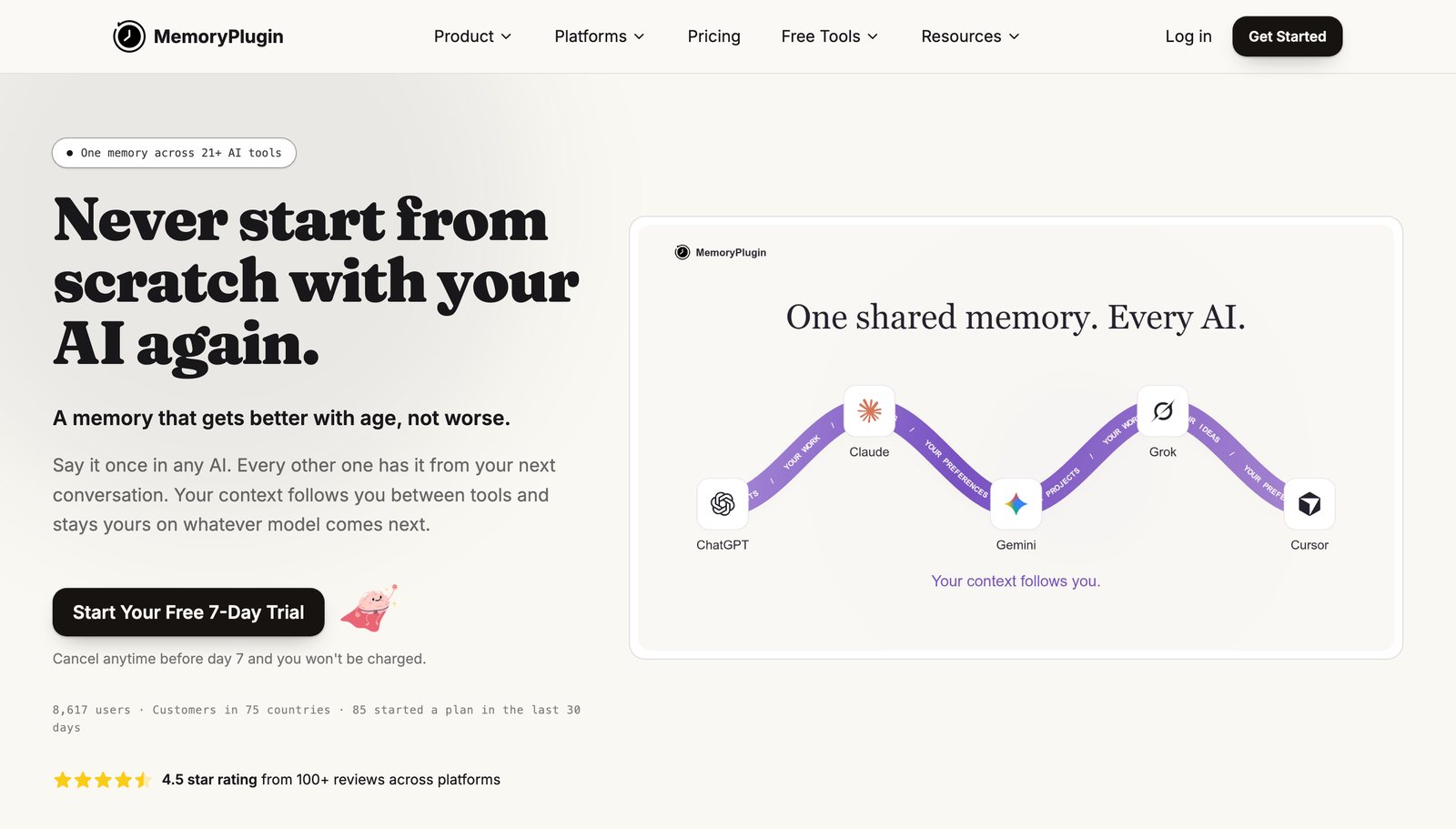
You pay for it by subscription. Its pricing lists Core at $89 a year, which keeps your last 500 conversations, and Pro at $180 a year, which keeps your whole history. There is a 7-day trial.
What is Configure?
Configure is infrastructure for connecting agents, apps, and chats. Here is what that looks like when you are the one using it.
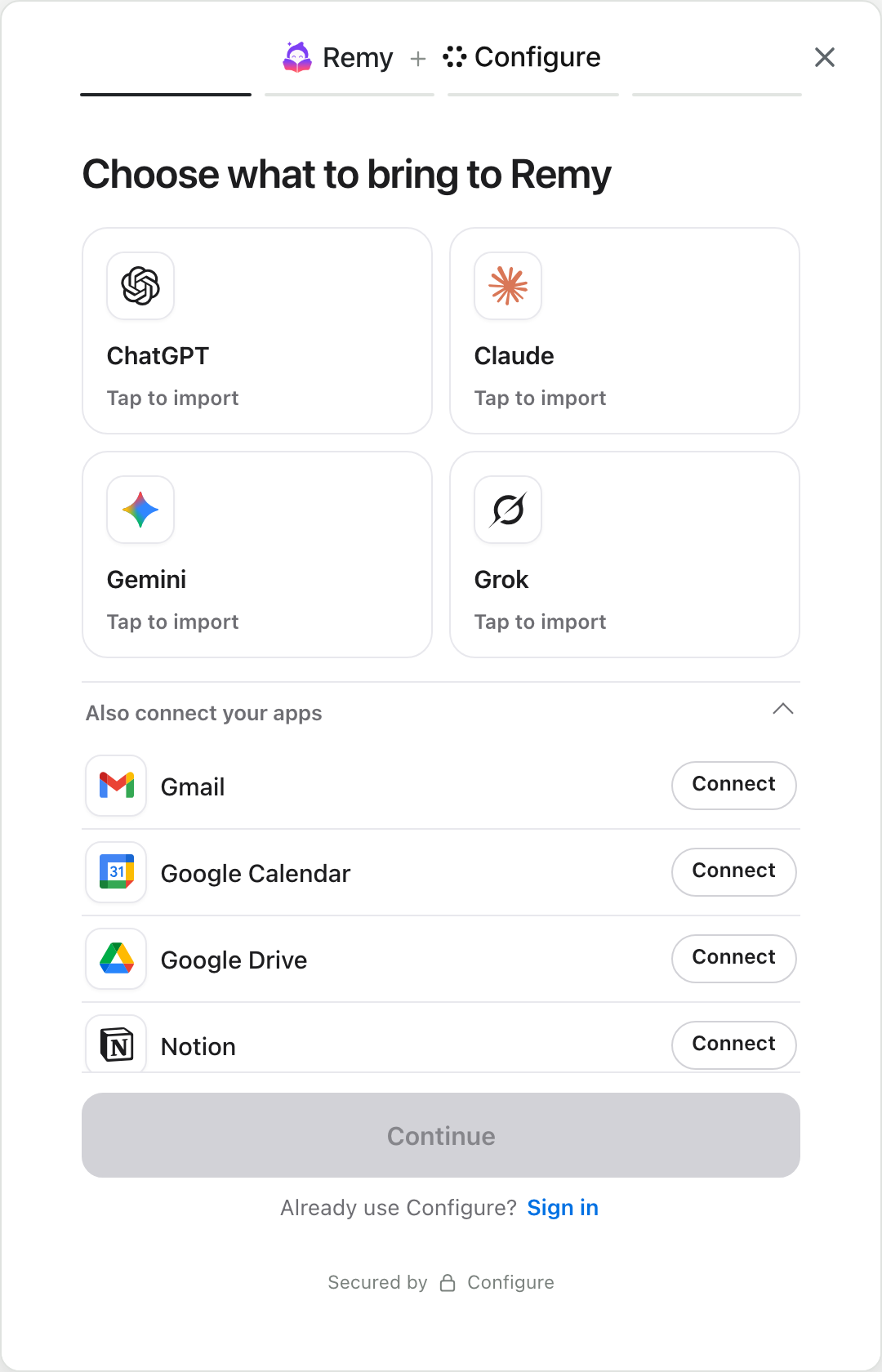
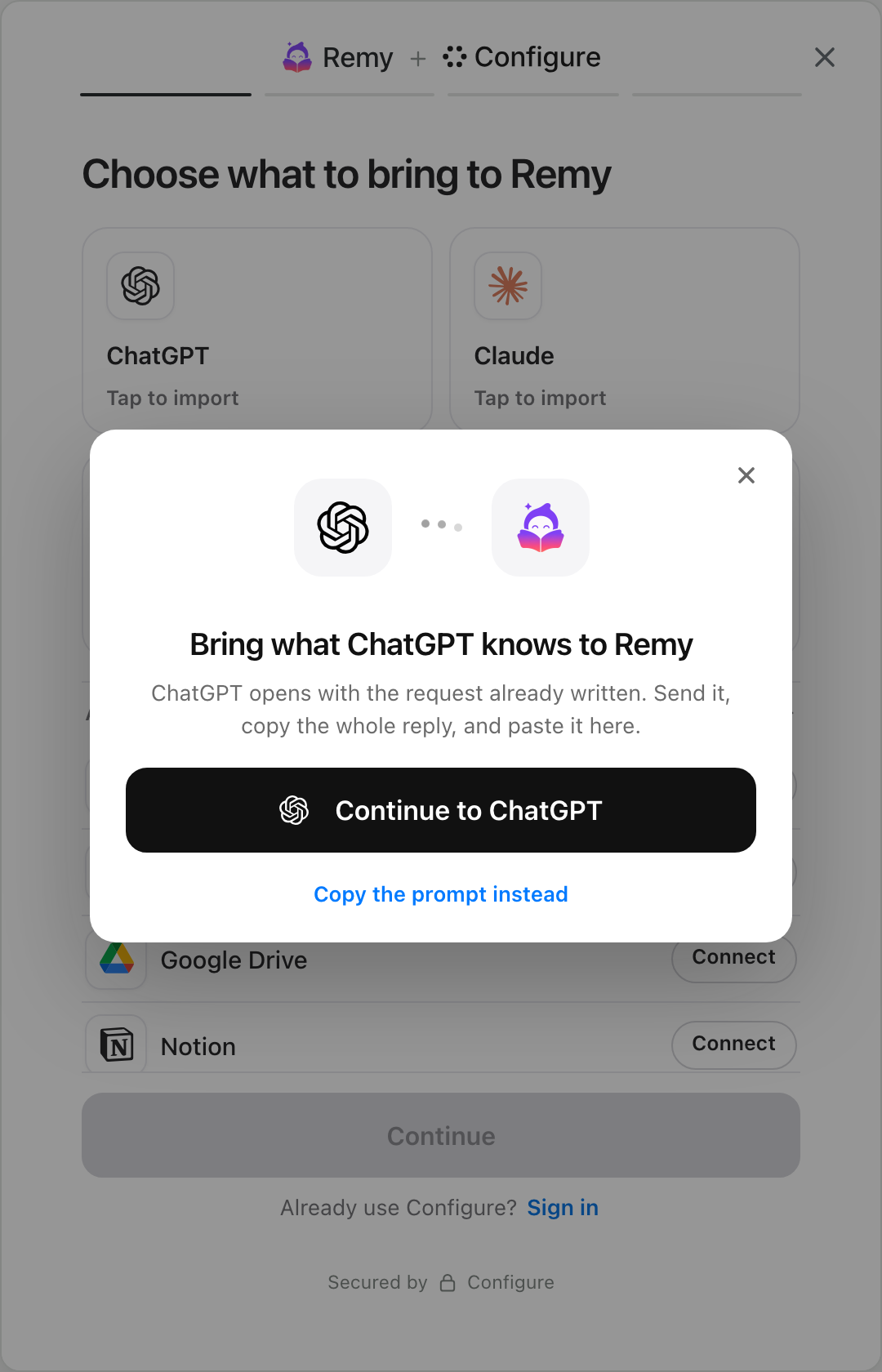
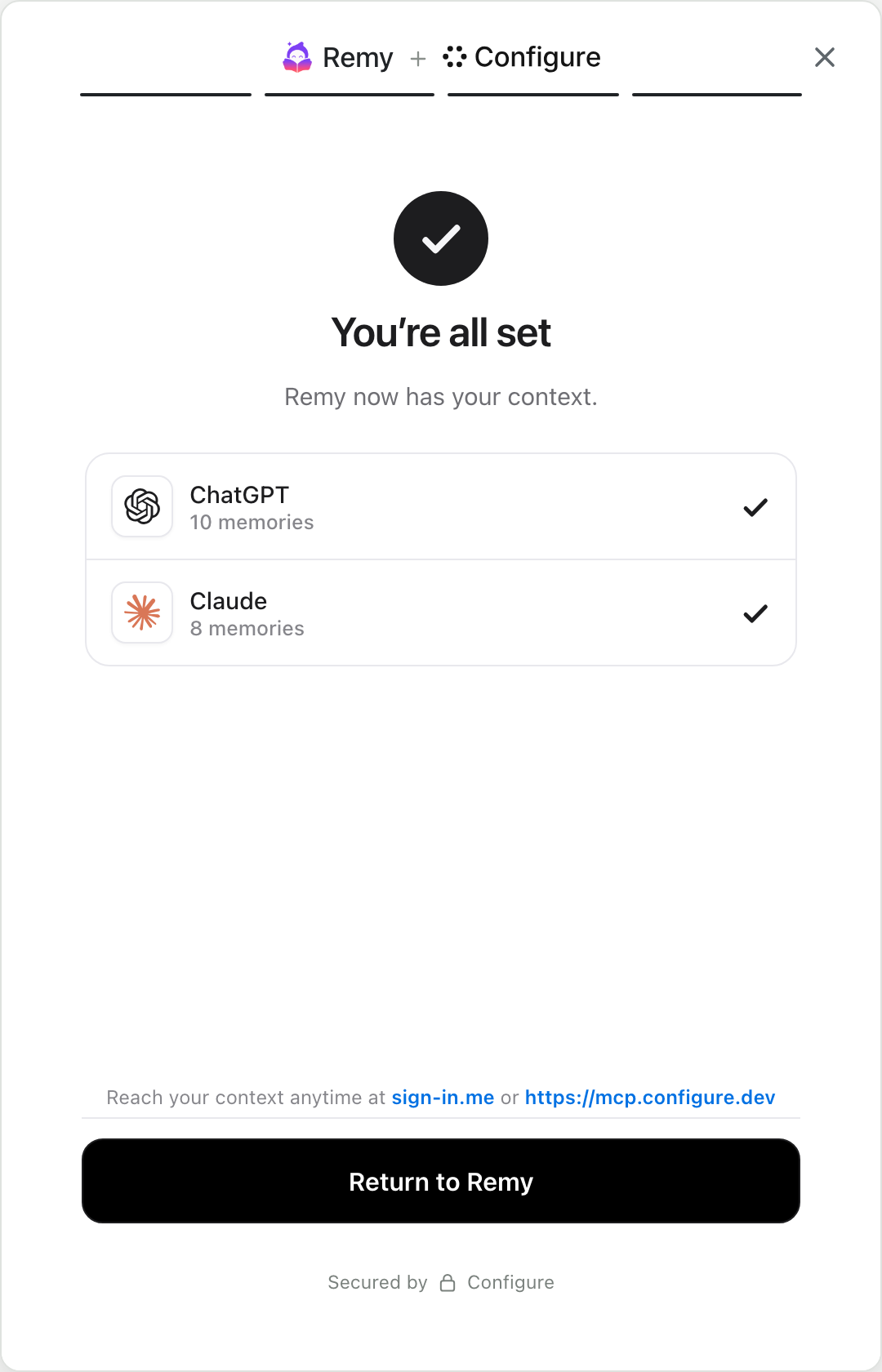
Your assistants share what they know about you. ChatGPT and Claude have official Configure connections, and any assistant that accepts a custom connector can add it by address.
Your apps come along as well. You connect your mail, calendar and documents once, and an assistant you approve can use them.
It also reaches products you have not tried yet. An app that supports Configure shows a connect button, and once you approve the app it starts from what you have already shared.
How is MemoryPlugin different from Configure?
MemoryPlugin is a product you add to your browser. It works on the AI sites it supports, and your memory lives in its app. Configure is a connection built into the tools themselves. In ChatGPT and Claude it works through their own connectors. Your memory lives in a profile you own, and each product has to ask for your approval.
An extension has to keep up with every site it runs on, and it only helps where it is installed. A connection that the assistant itself supports keeps working when the site changes, which is why we would choose infrastructure over a plugin.
When should you choose Configure?
- You mostly use ChatGPT and Claude. Both connect officially, and each can read and add to the same memory.
- You want your calendar and inbox included alongside your saved notes.
- You try new AI products and want them to start from your context instead of a questionnaire.
- You would rather not install a browser extension.
To start, connect Configure to an assistant you use. The steps for every assistant are in How to add Configure to your assistant.
 ChatGPT
 Claude
When is MemoryPlugin the better choice?
- You want every past conversation in one searchable archive. Configure does not move chats.
- You use many smaller AI sites that have no connector support. An extension reaches them today.
- You want a finished app for organizing memories by hand, with folders and suggestions.
Frequently asked questions
Is there a free MemoryPlugin alternative?
The memory built into each assistant is free, and Claude and Gemini can each import memory from another assistant once. Our guide to importing ChatGPT memory into Claude covers those options, and how to do the same with Configure.
Do I need a browser extension to share memory between ChatGPT and Claude?
No. Both support connectors, and Configure uses them. Connect over MCP shows how each assistant connects.
Can I see and delete what is stored?
Yes. Your Configure profile lists every memory and which assistant saved it, and you can edit, delete or disconnect from there.
Which assistants remember best to begin with?
They differ more than you would expect. We put six of them side by side in Which AI has the best memory?
Add a connect button to your product
The quickstart takes one page, end to end: a chip in your app, Configure's hosted page, and your agent reading the user's context on the first turn.
Read the quickstartAbout Configure. Configure is infrastructure for connecting agents, apps, and chats. People bring the context they already have, and the products they approve start from it. More about Configure.
More from the blog
All posts



Which AI has the best memory? Six assistants compared
Every assistant remembers you now, and each one remembers a different slice. We compare six of them, then show how to use them all with one memory.
How to add Configure to ChatGPT, Claude, Gemini and more
Pick your assistant. Each one takes a couple of minutes, and the steps show the real screens.

Mem0 alternatives: Mem0 vs Configure, and when to use each
Mem0 gives one agent a memory. Configure connects your agent to what a user’s other agents and apps already know, with a memory system built in.
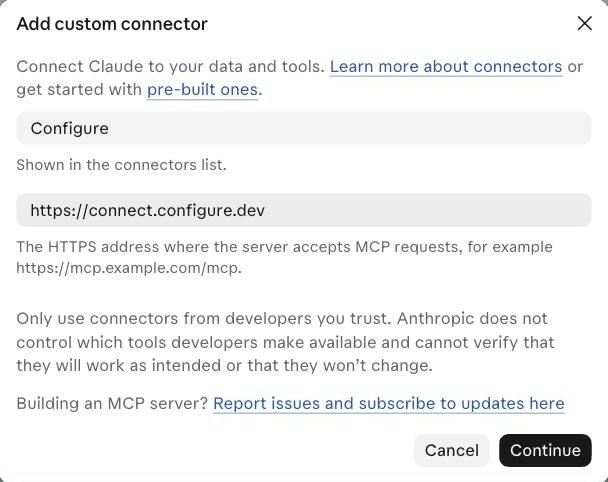 This is the box in Claude. The one in Gemini asks for the same two things.
